
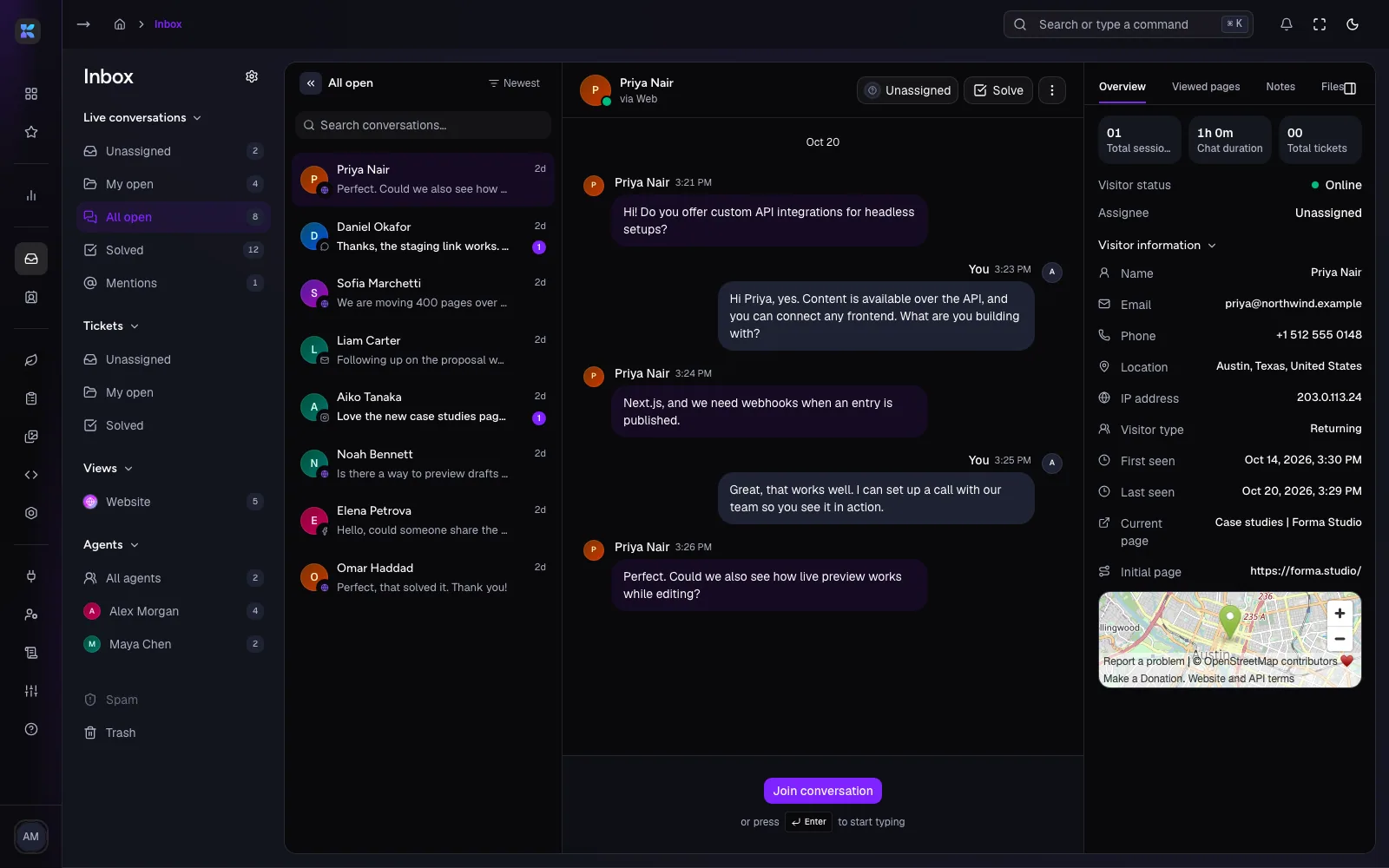
One inbox for your website conversations
See incoming messages, organize contacts, and help your team manage customer conversations.
Create the frontend your way. Manage structured content, media, forms, AI-assisted workflows, and customer conversations through one connected platform.
Trusted by brands that need more than templates






Kodescape is headless: if it can call an API, it works. Keep your design, your framework, and your release process.
Create content in Kodescape, publish it, and retrieve it through an API. Your application decides how that content is displayed.
Every website has more going on than visitors can see. Content changes, forms collect responses, conversations begin, and teams need tools to keep things moving.

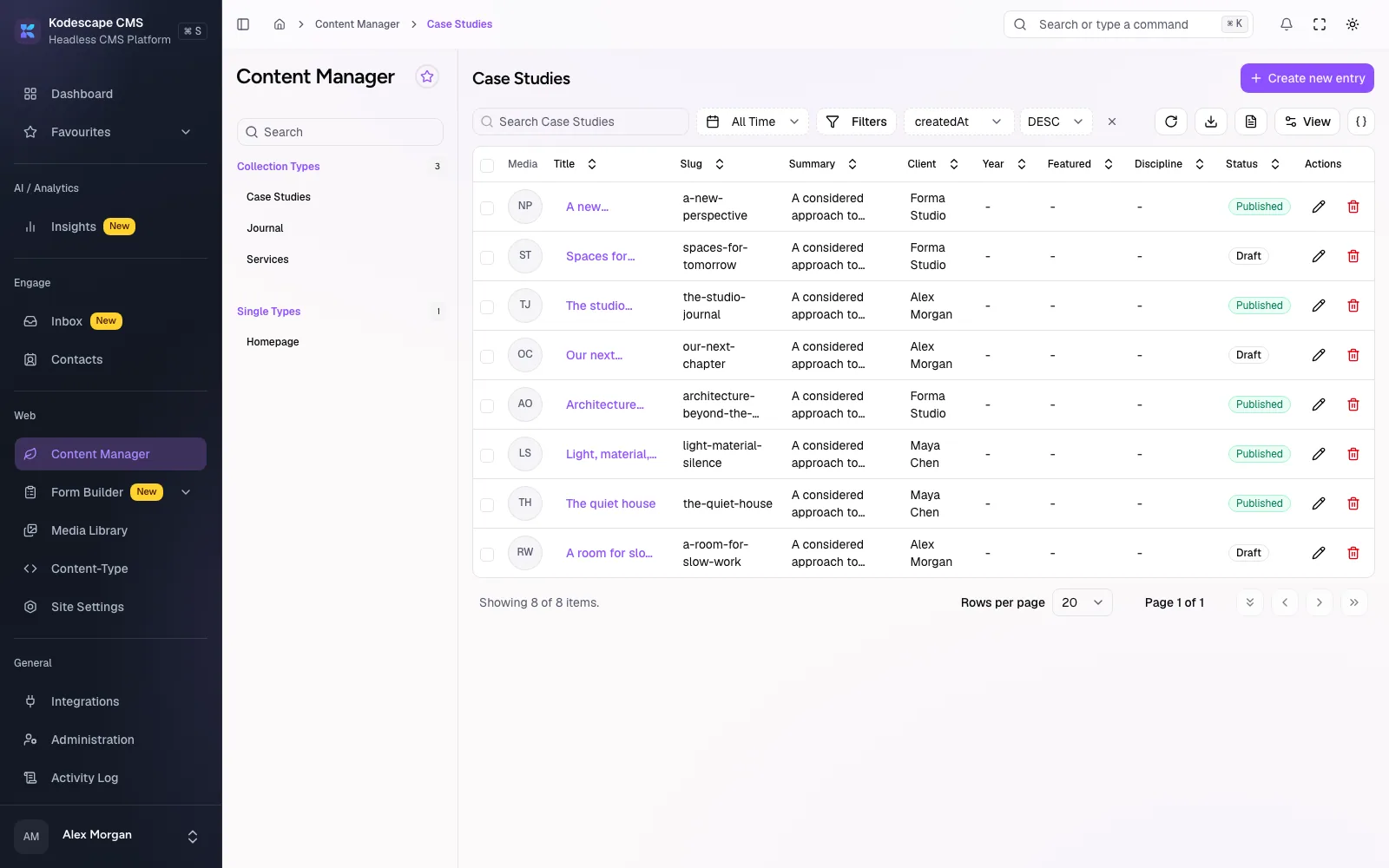
Create models, organize entries, and manage relationships.
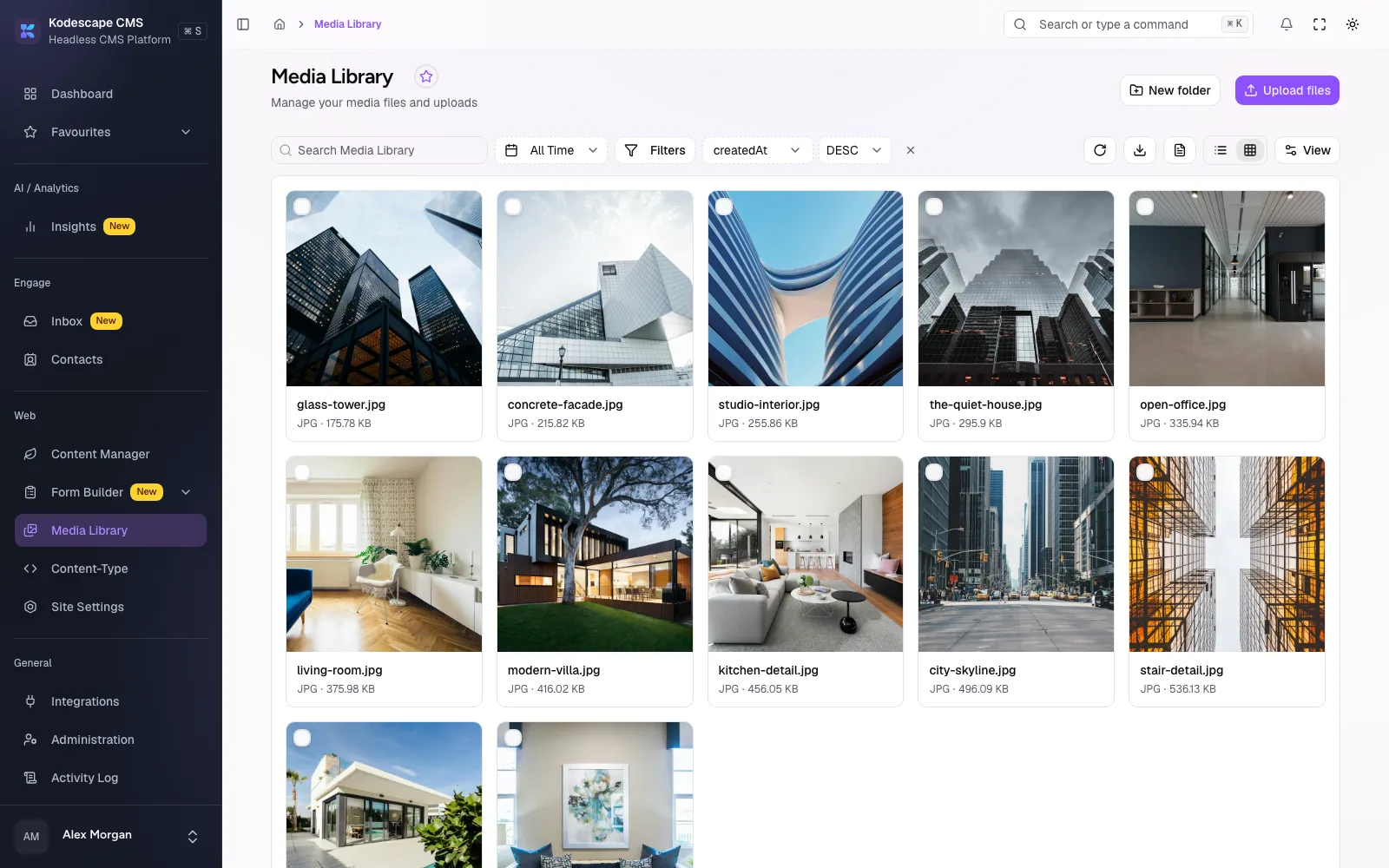
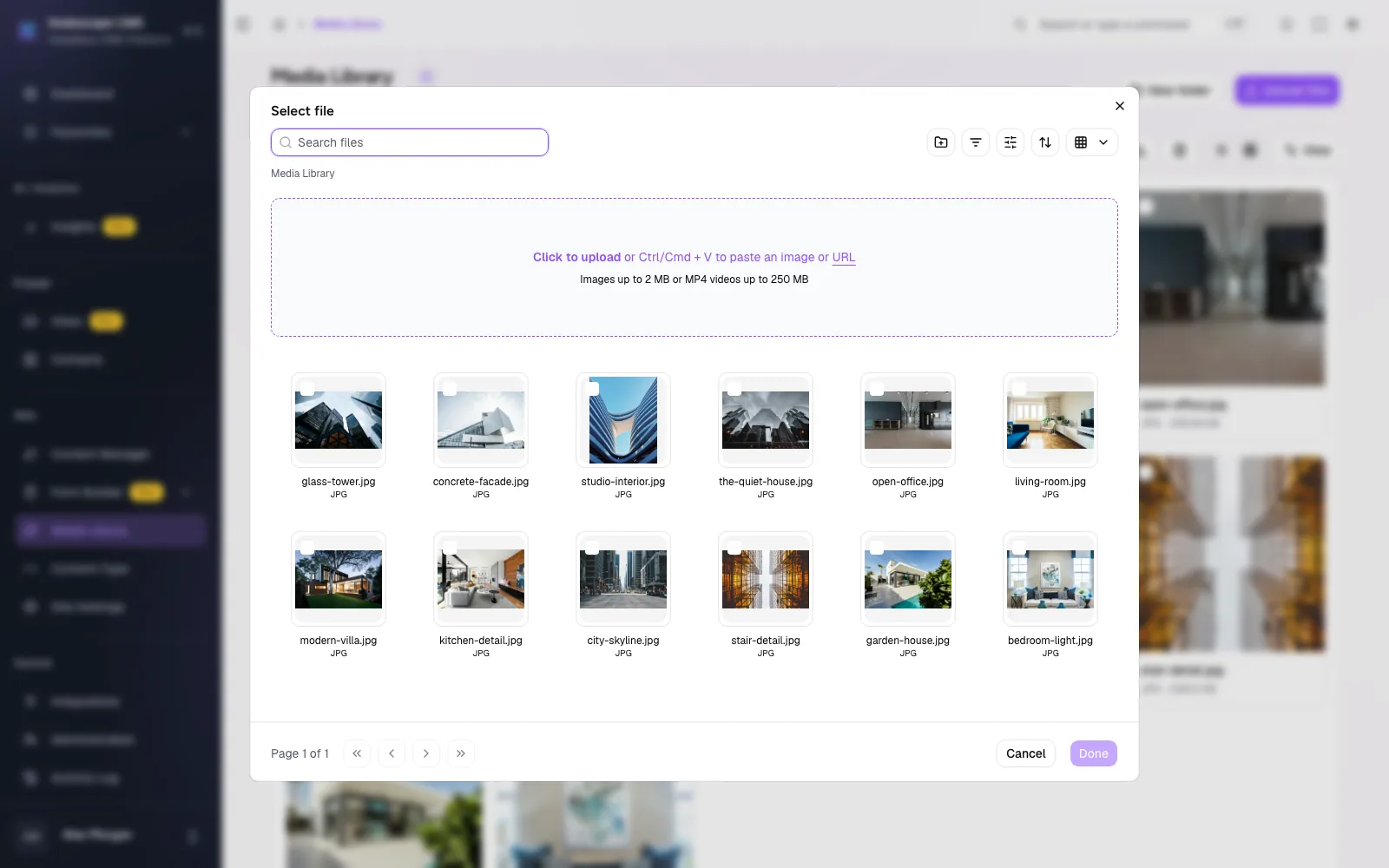
Manage assets, create forms, and review submissions.
Turn instructions into proposals you can review.
Connect your website chat with contacts and team workflows.
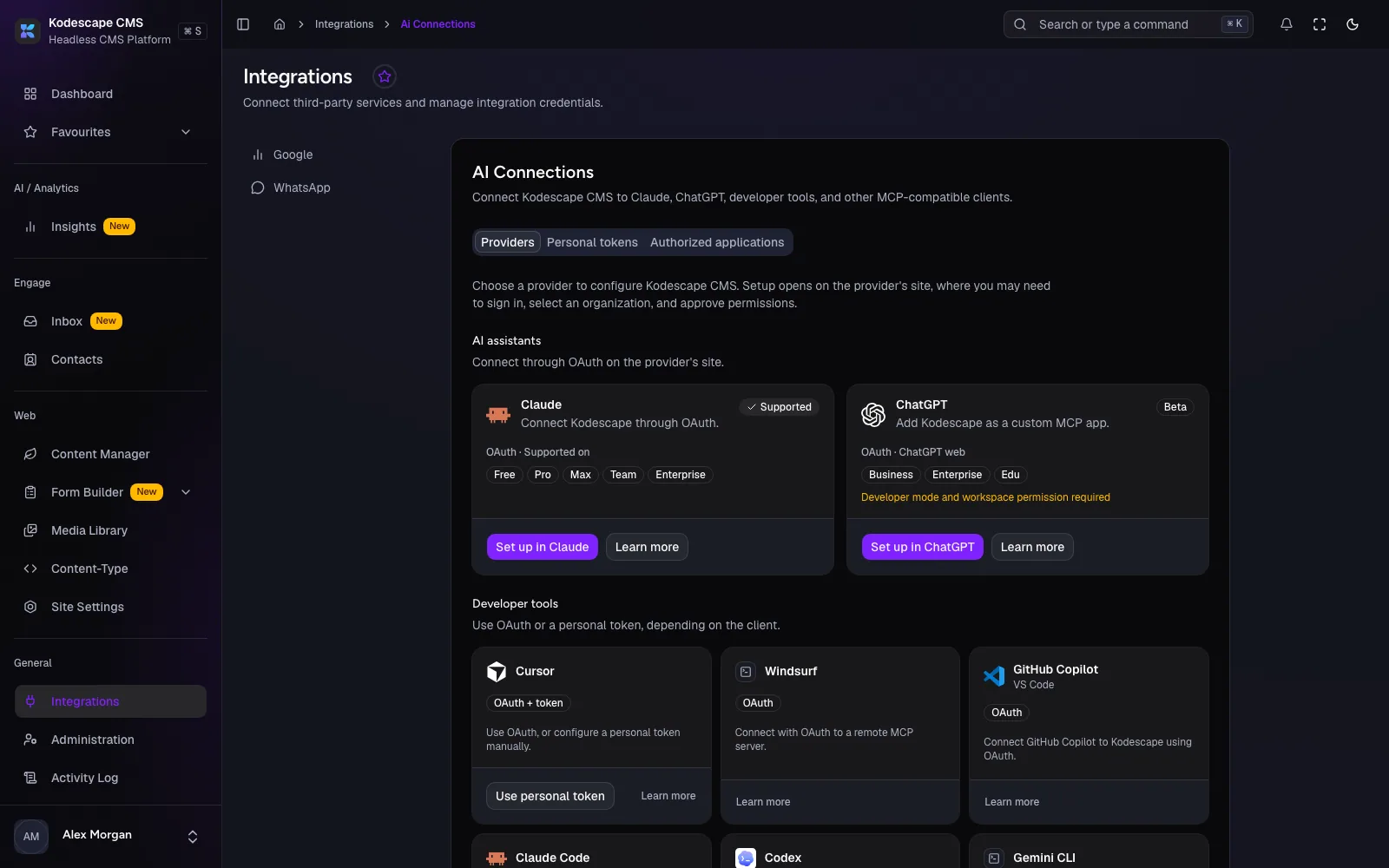
Google Analytics, WhatsApp, and your AI apps over MCP.
Spend more time on your product's unique experience and less time rebuilding content-management tools.
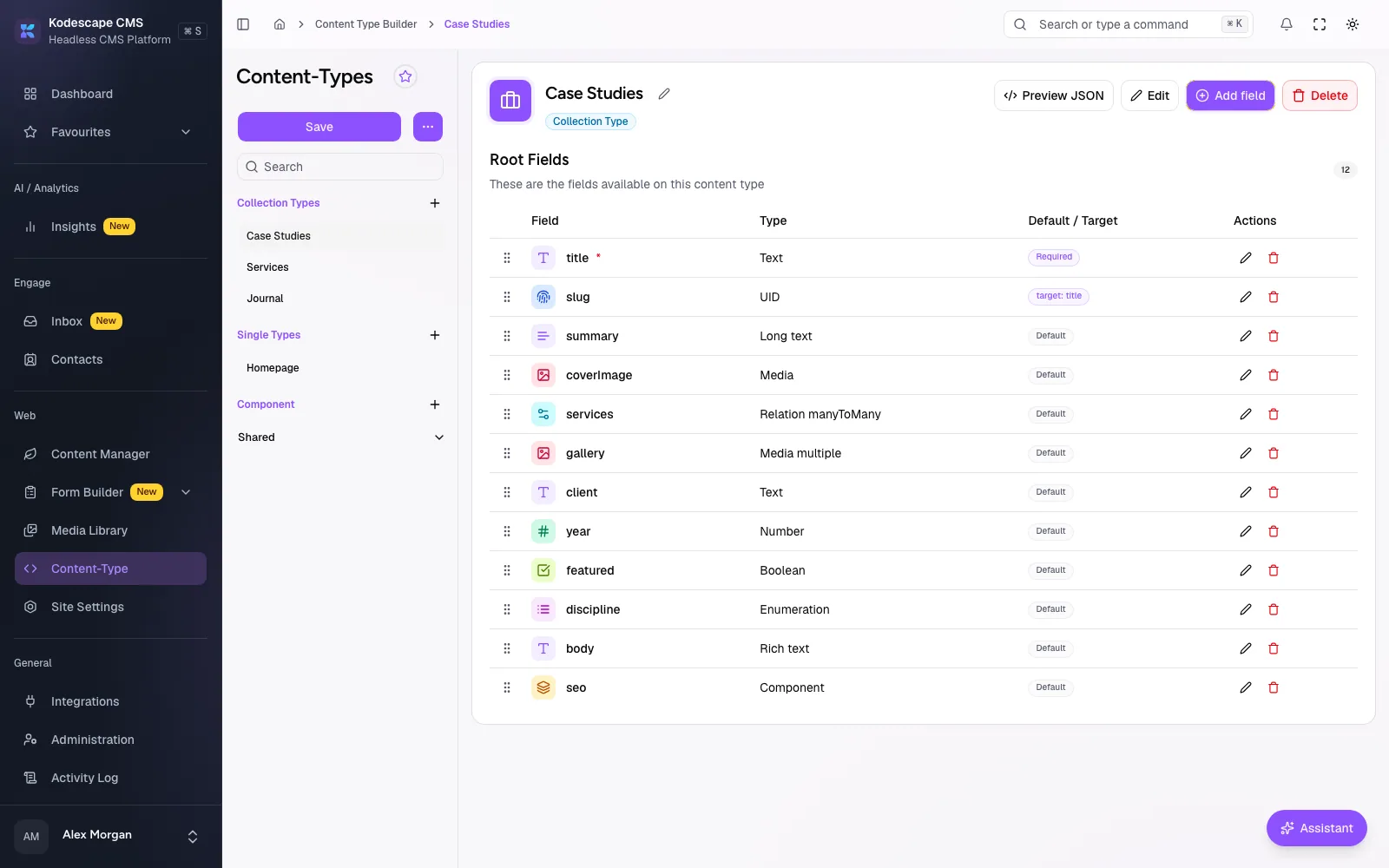
Meet your foundationModel your content with fields, components, and relationships. Then manage it in a workspace built around your structure.
Define collection types, reusable components, and flexible content sections without forcing your data into a predefined template.
Your website needs more than a place to edit text. Kodescape brings communication, submissions, connected analytics, and integrations alongside your content.
See incoming messages, organize contacts, and help your team manage customer conversations.
Customize your live chat experience and connect visitors directly to your team.
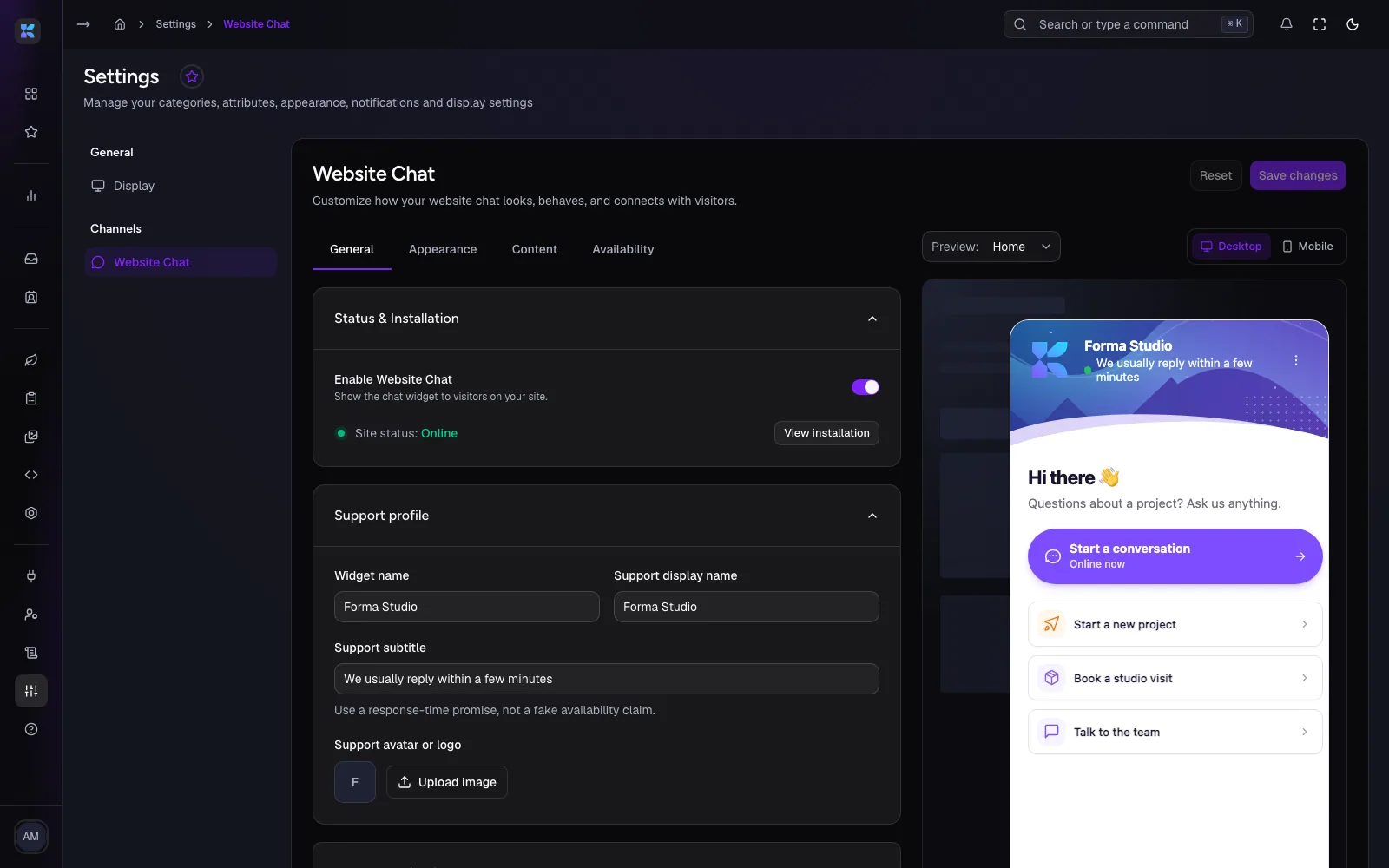
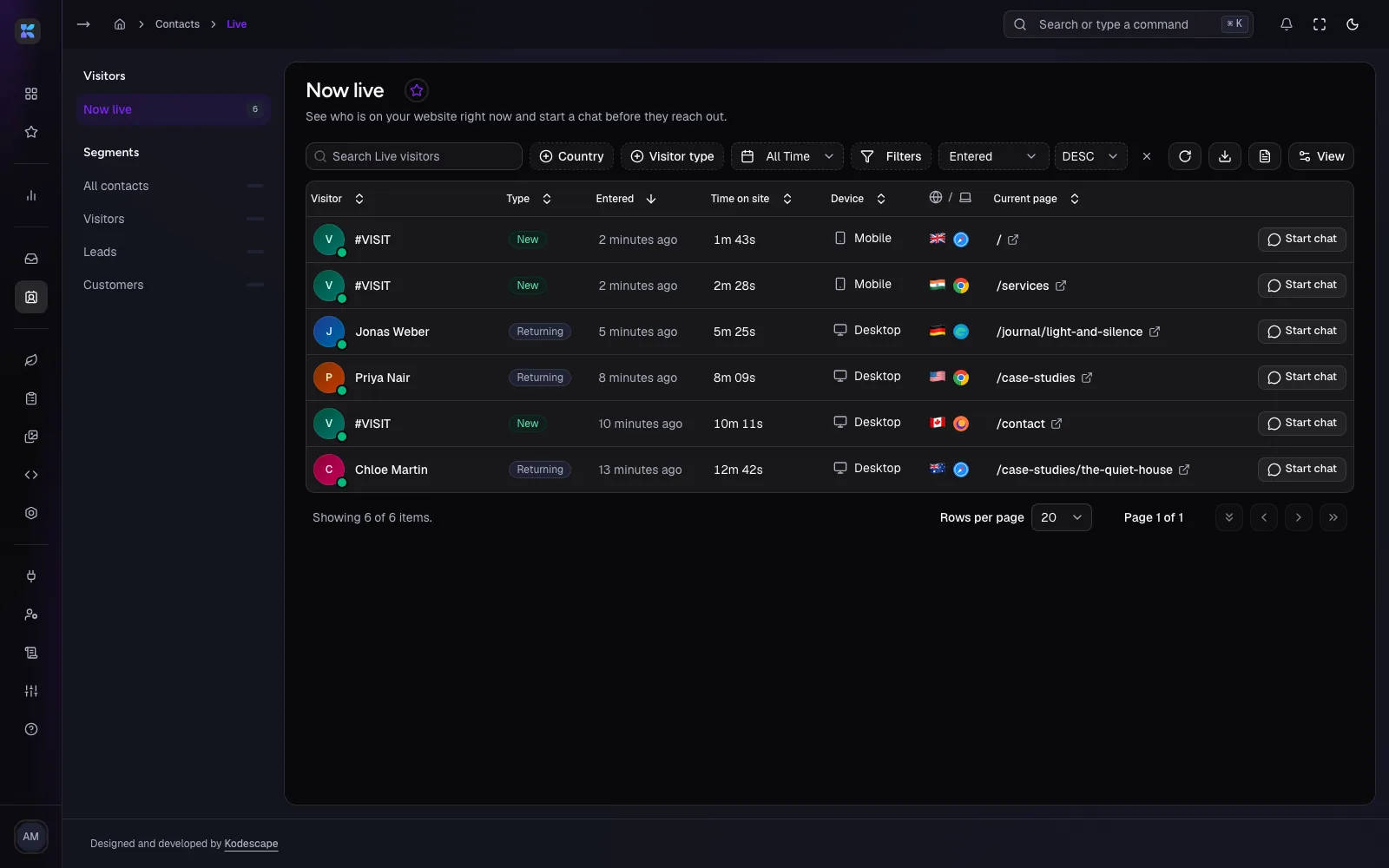
Understand visitor activity through the supported live visitor tools and start conversations while visitors are on your site.
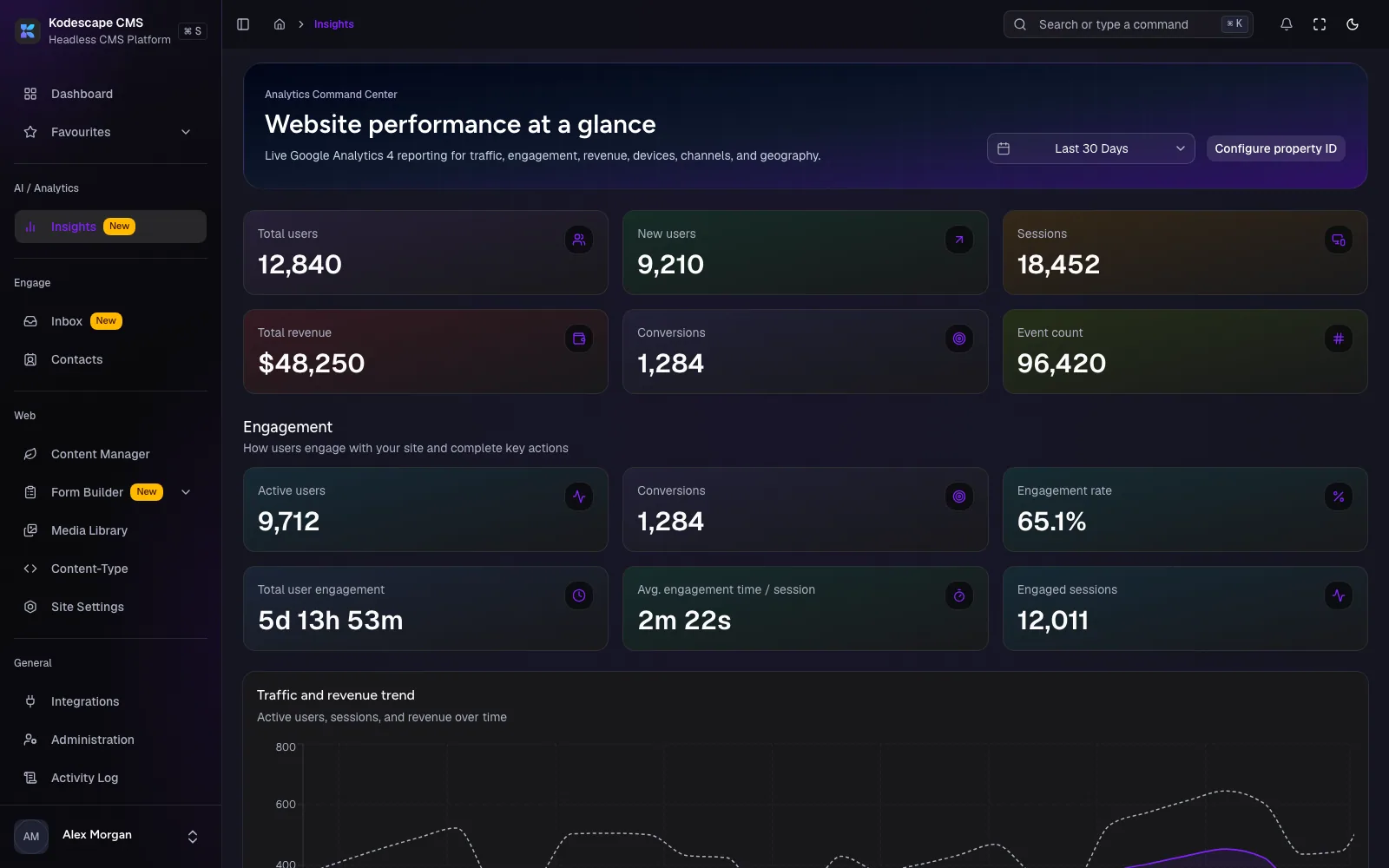
Connect Google Analytics and review supported traffic and performance information without leaving the CMS.
Use supported AI client integrations and controlled access credentials to work with Kodescape content and workflows.
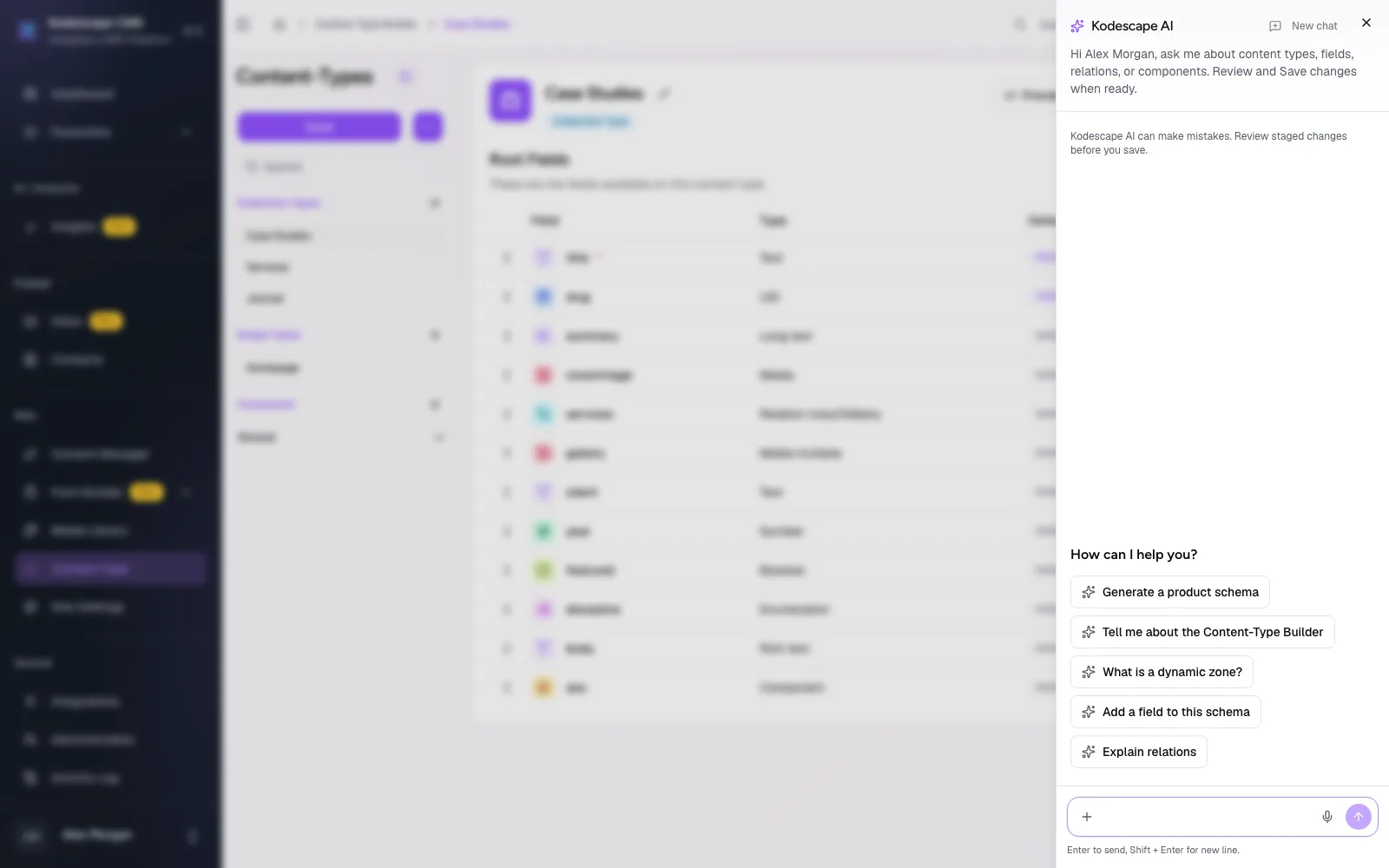
Describe what you want to create, update, or explore in natural language.
Kodescape can help you prepare content structures, work with existing information, and review proposed changes before they're applied.
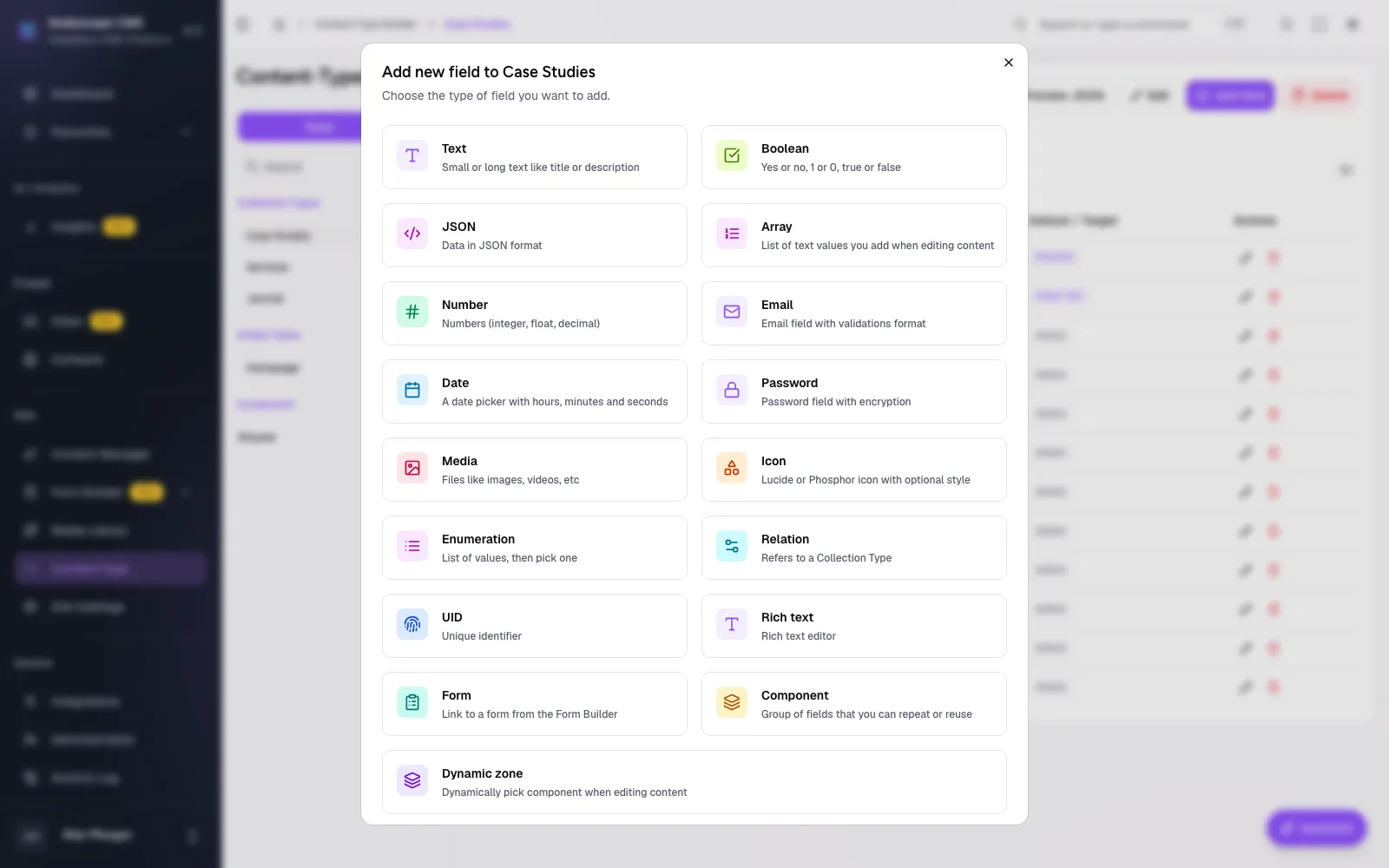
Create a content type for case studies with a title, summary, cover image, and related services.
Proposed fields for Case Studies
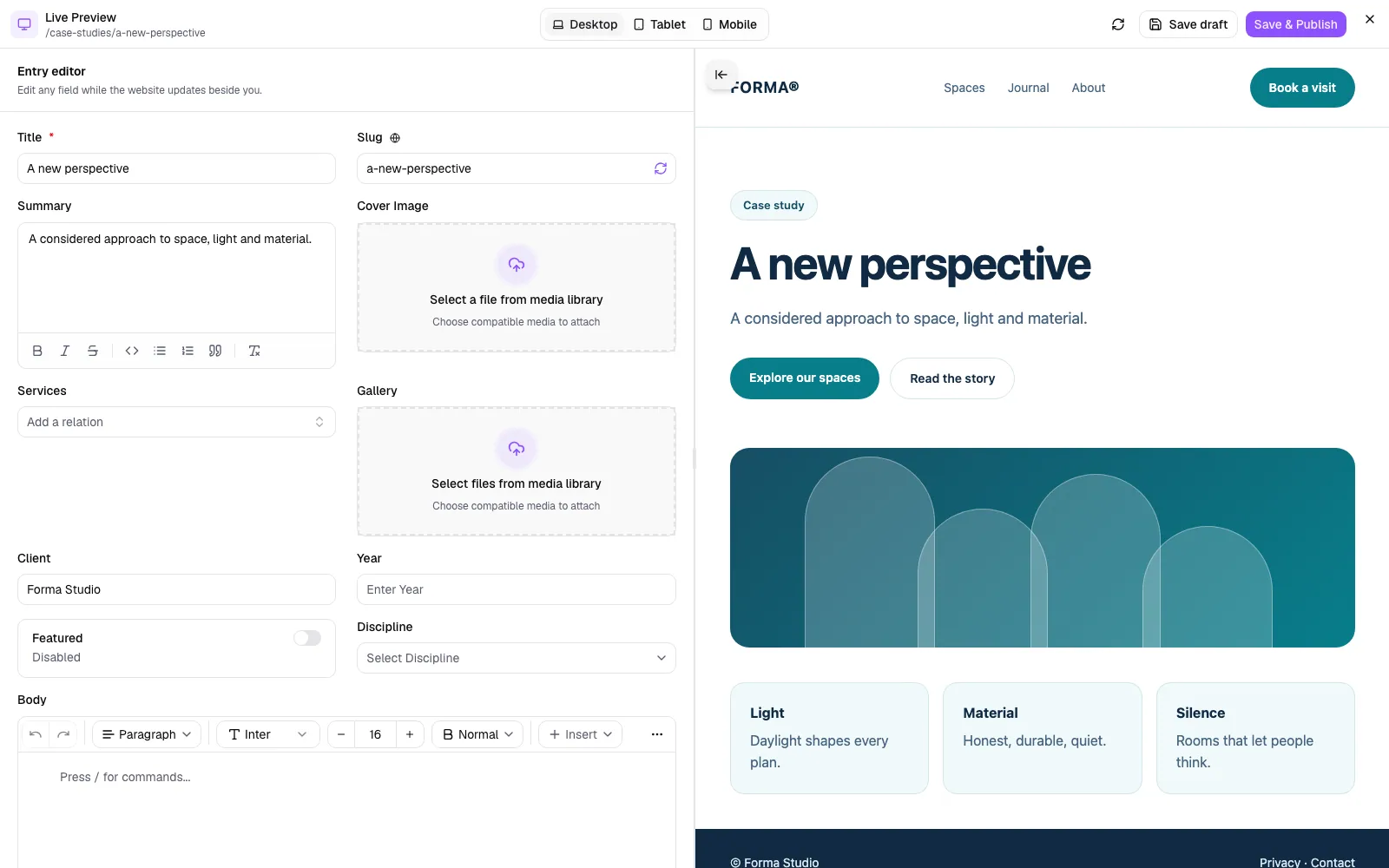
Your content moves from a defined structure to a frontend built entirely your way.
Create content types, components, fields, and relationships.
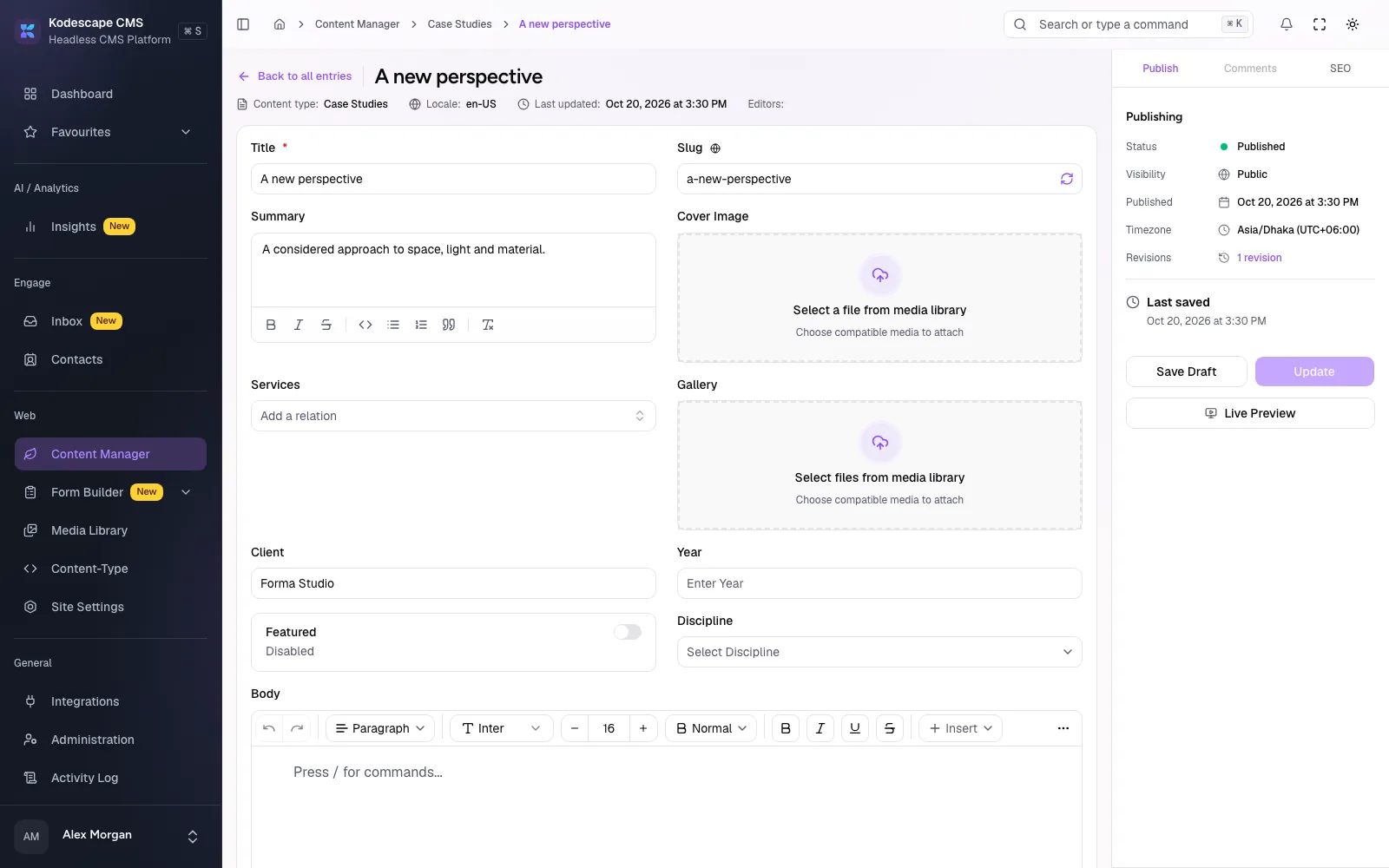
Add entries, connect media, and prepare drafts.
Review your content and make it available for delivery.
Retrieve published information through supported APIs.
Update content, extend your models, and evolve your frontend as your project grows.
A marketing website, a digital publication, or a customer portal. Each can have its own visual identity and functionality while using Kodescape for supported content-management capabilities.
Discuss Your Project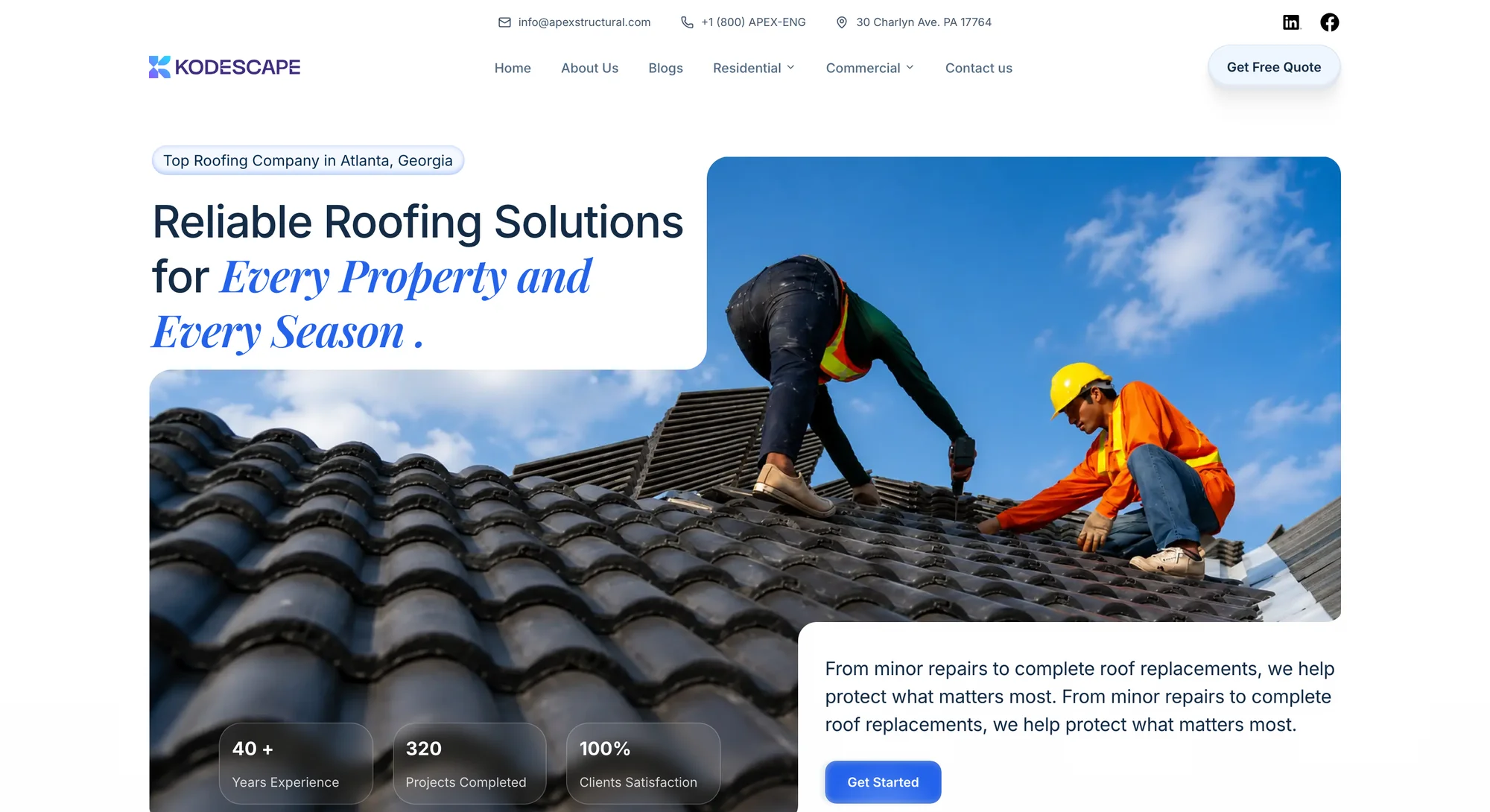
A website that feels entirely yours.
Create custom layouts, animations, and interactions while managing your content behind the scenes.
Portfolio · Marketing site · Corporate site
Give complex information a clear structure.
Build publications, directories, and knowledge-rich experiences with reusable content models and relationships.
Blog · Magazine · Knowledge base · Directory
Build beyond traditional websites.
Combine Kodescape-managed content, media, forms, and communication tools with your own application logic.
SaaS · Client portal · Internal tools · Custom app
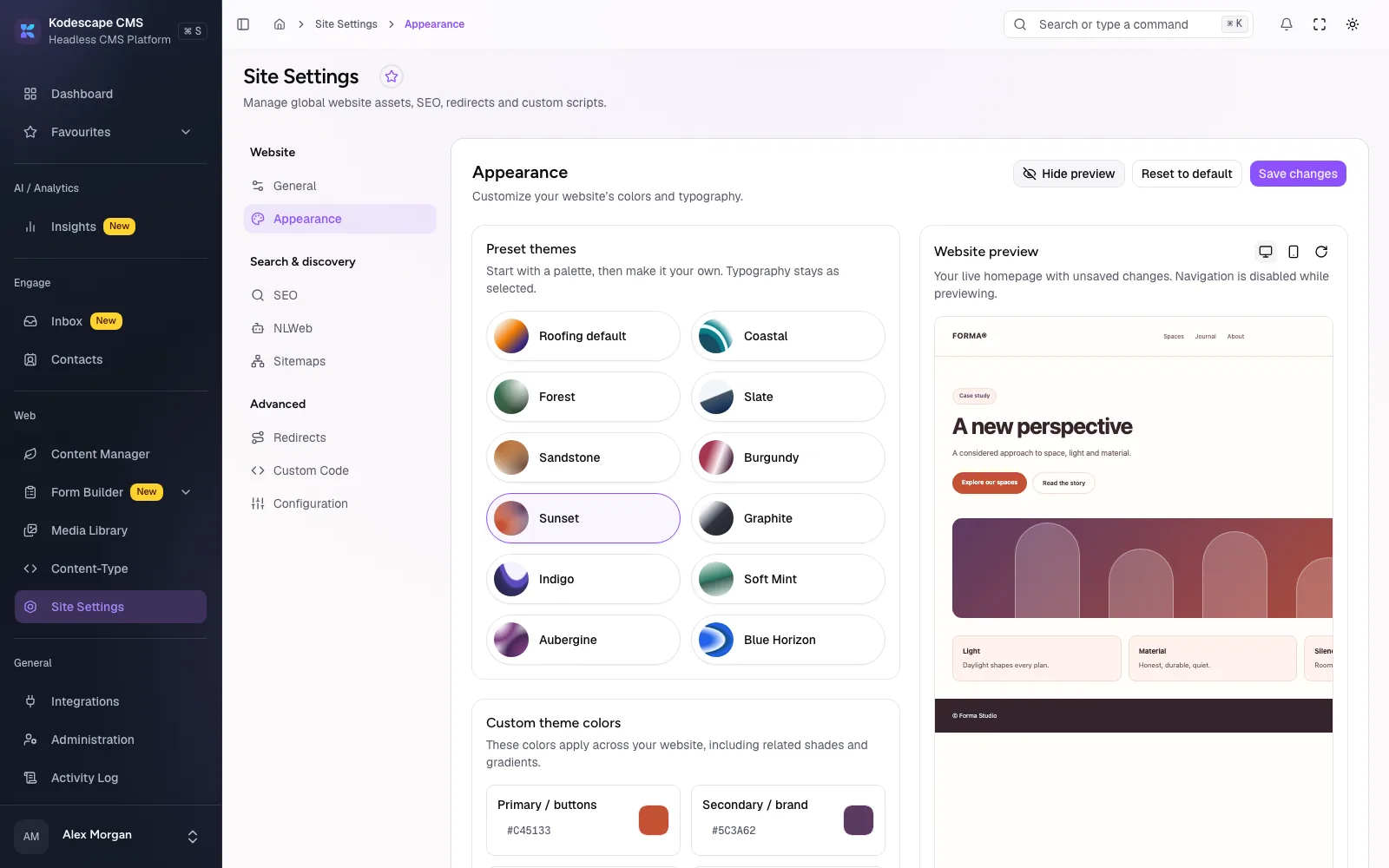
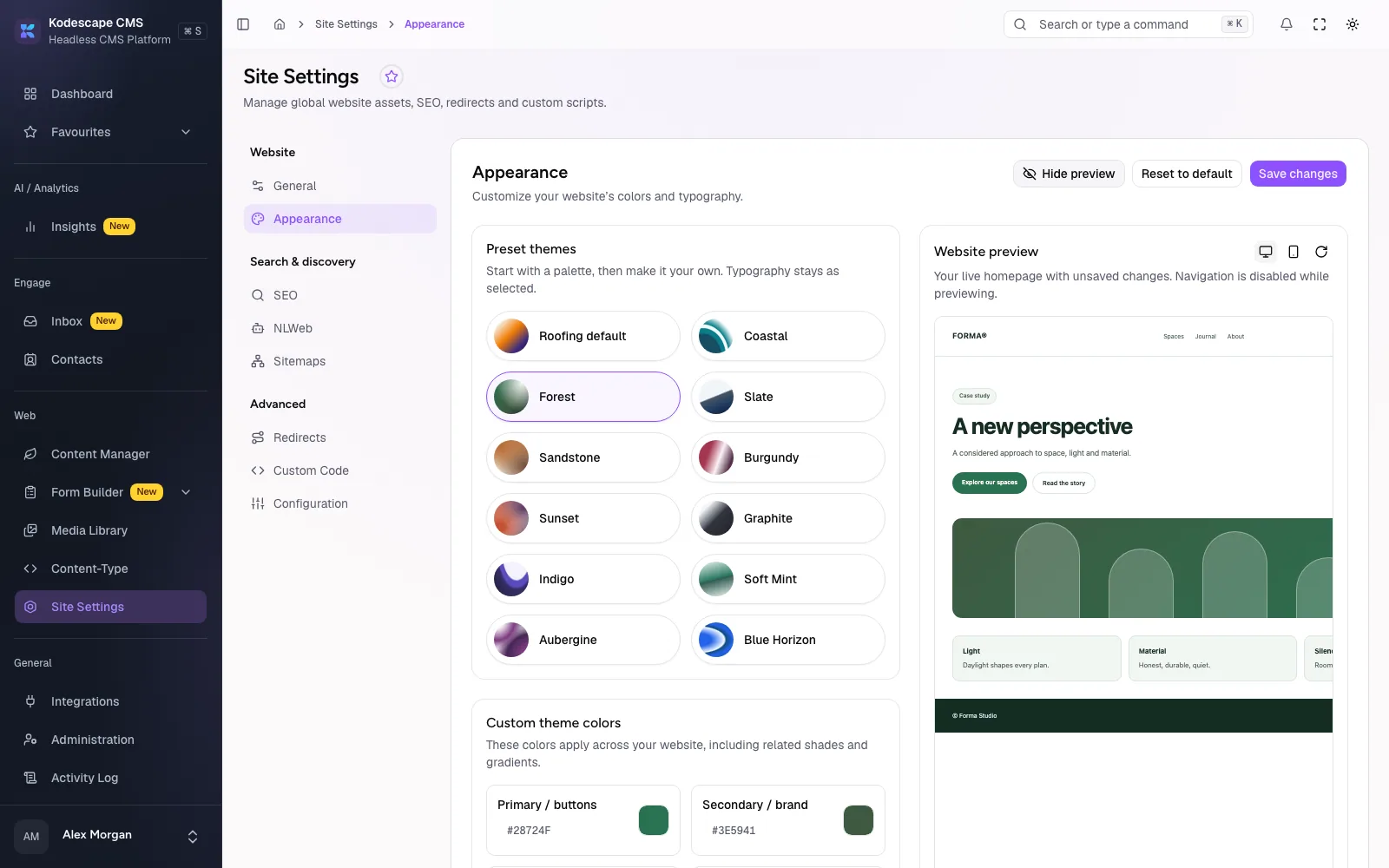
Create content structures, manage assets, control publishing, and organize your team's work. Extend your setup with forms, integrations, and additional platform capabilities when you need them.
Design collection and single types visually, with every field type you need and no migrations to write.
Reusable blocks and flexible page layouts that editors can rearrange without a developer.
Connect entries across content types, from one-to-one to many-to-many.
Prepare content as drafts and publish when it is ready. Nothing goes live by accident.
Every save is kept as a revision, so you can see what changed and go back.
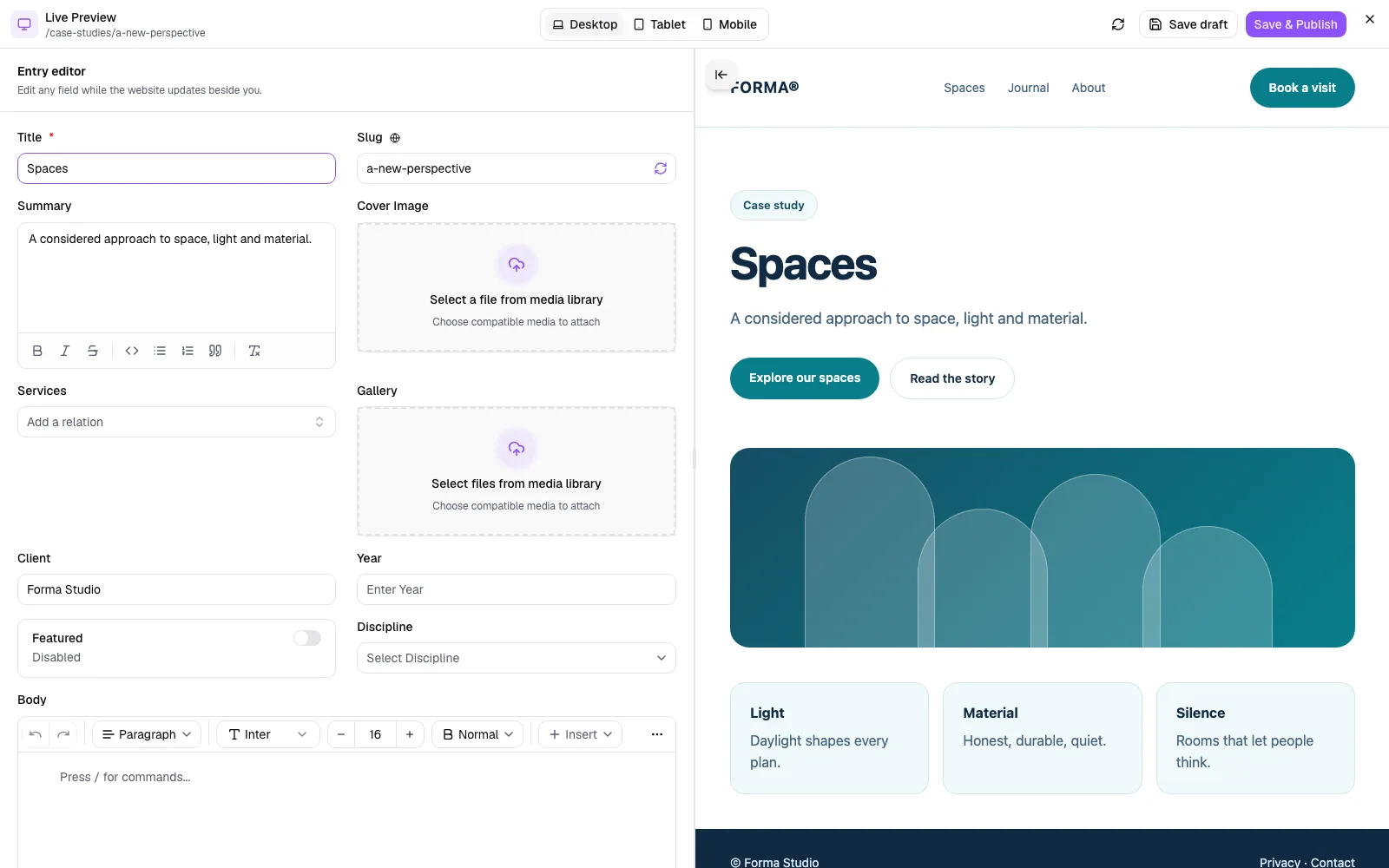
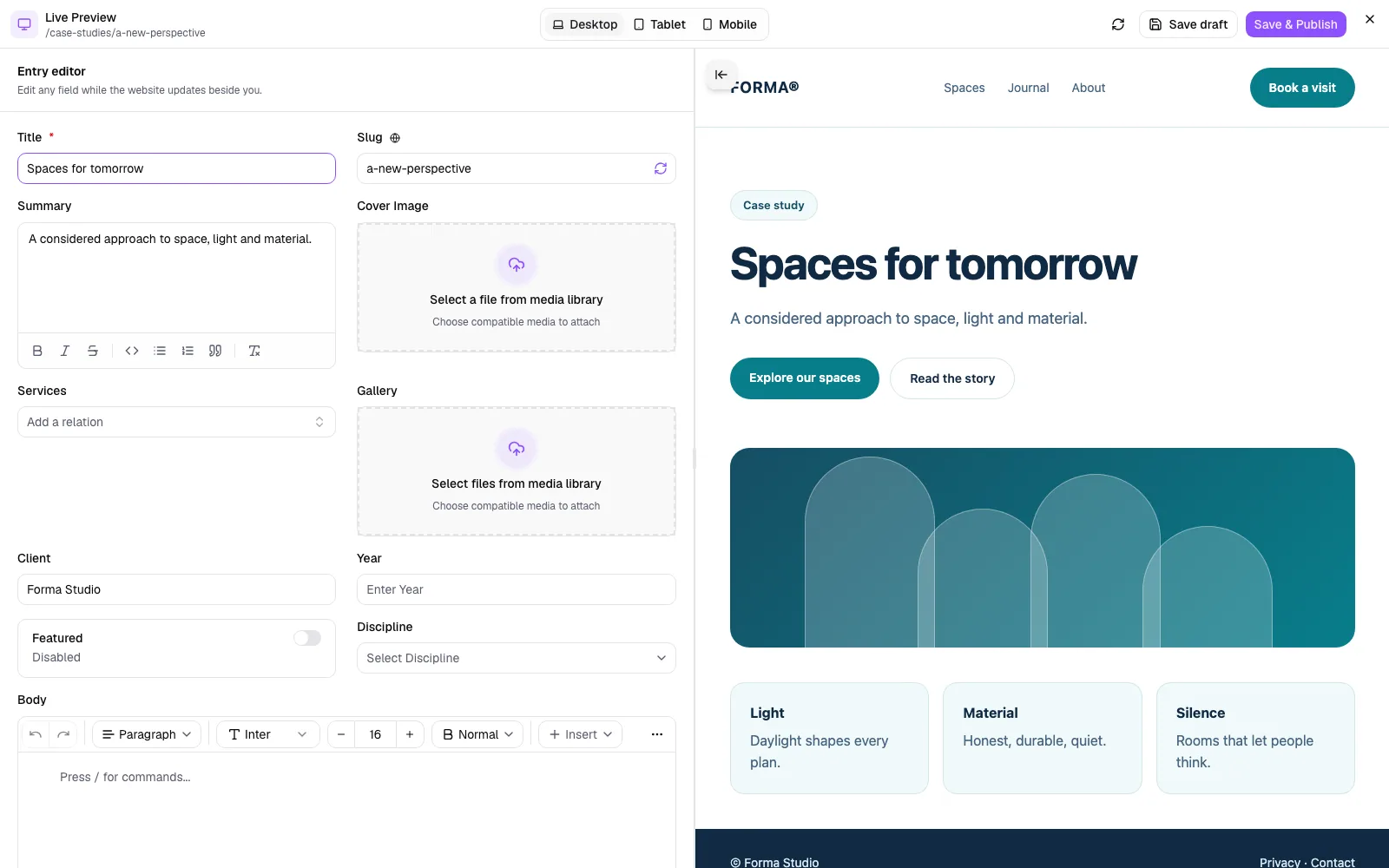
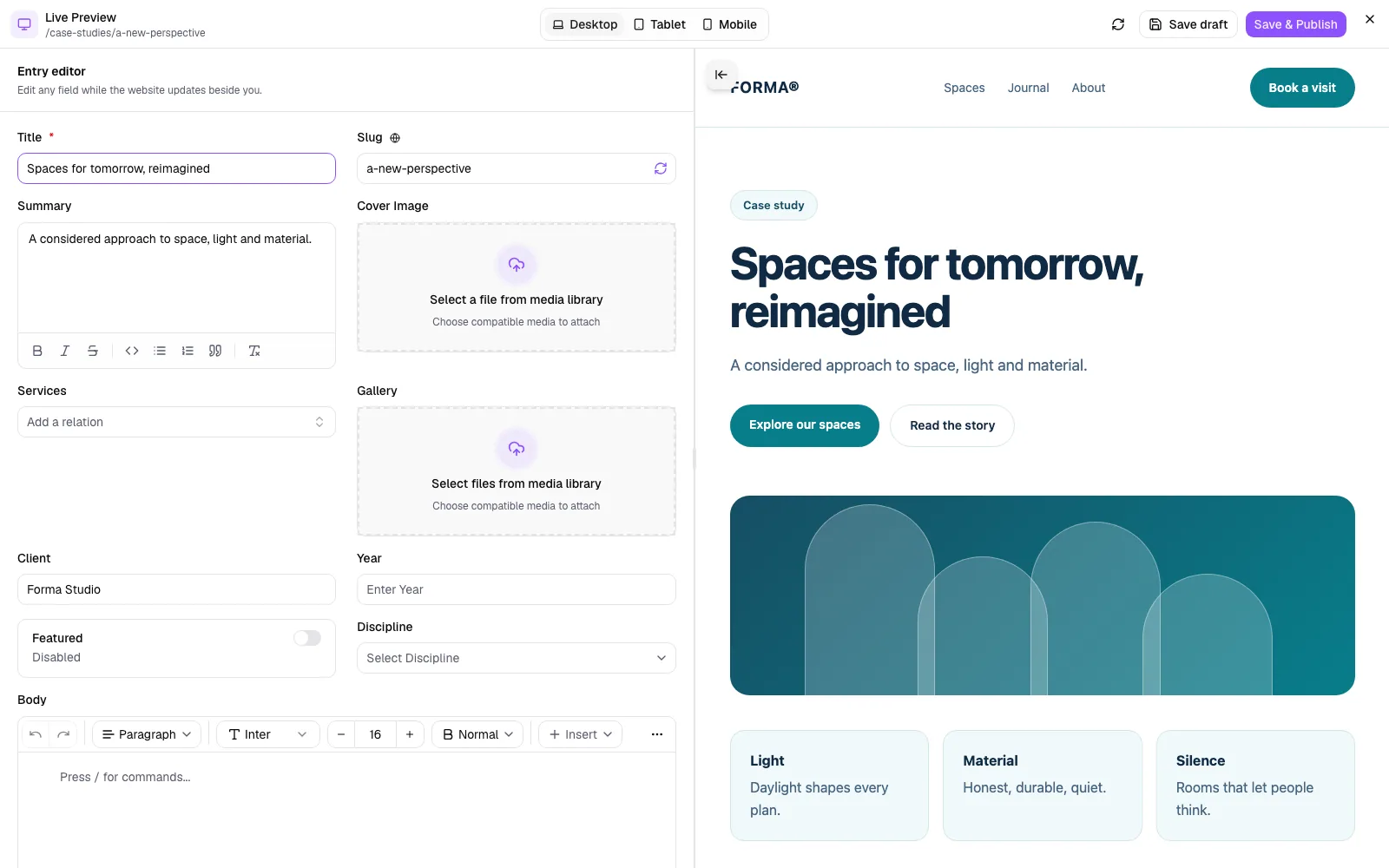
See an entry on your own frontend before you publish it.
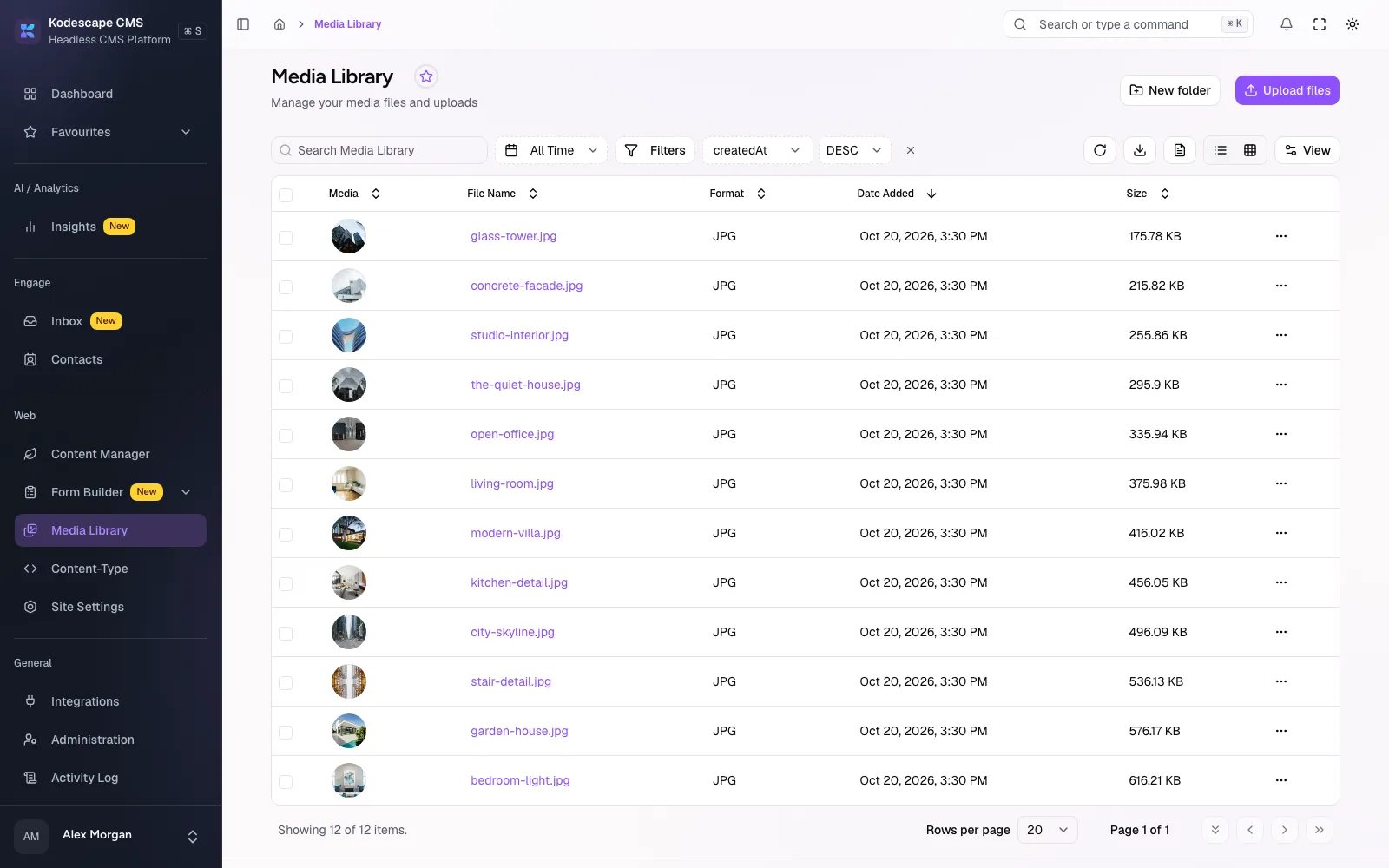
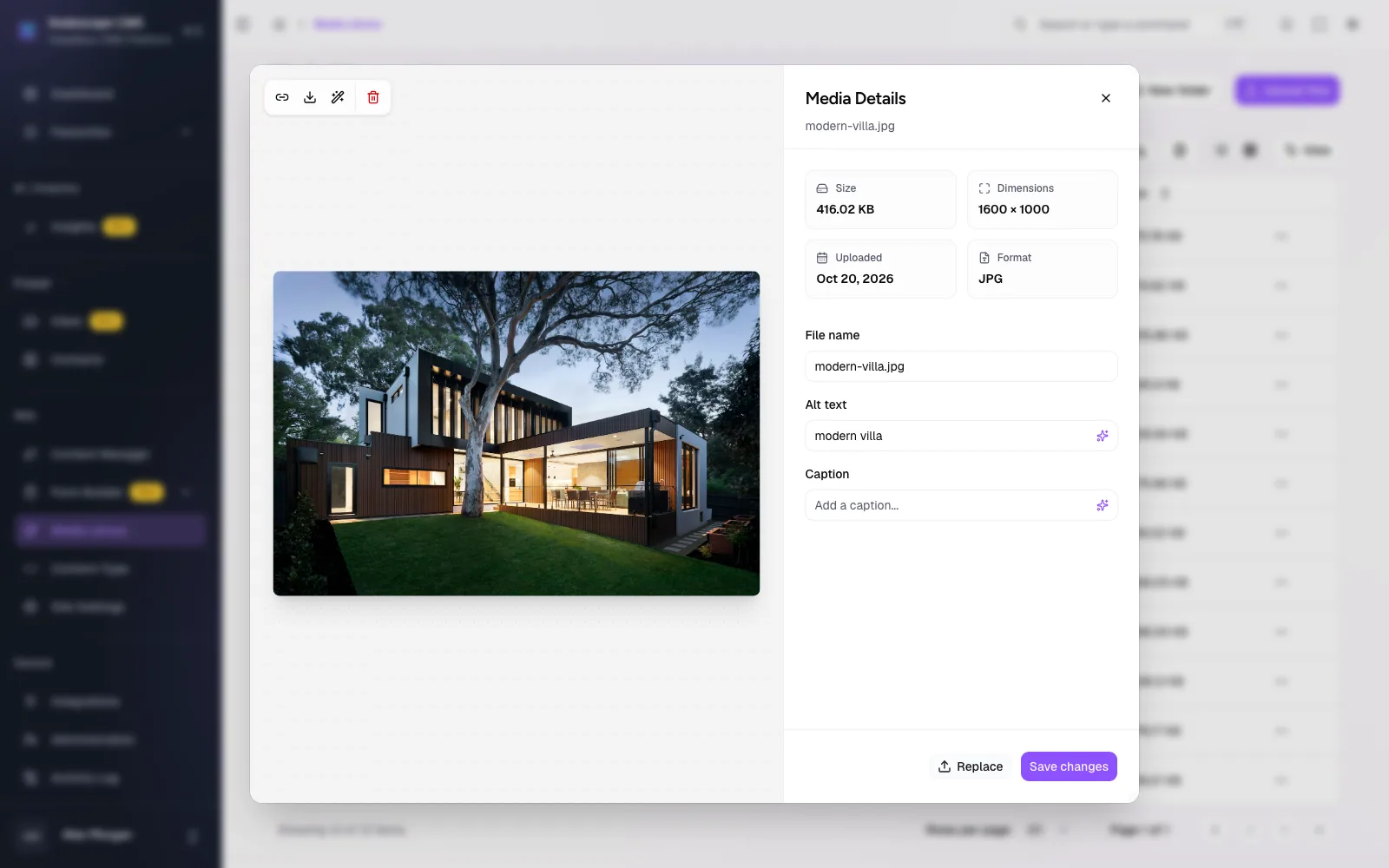
Folders, grid and list views, metadata, and file replacement for every asset.
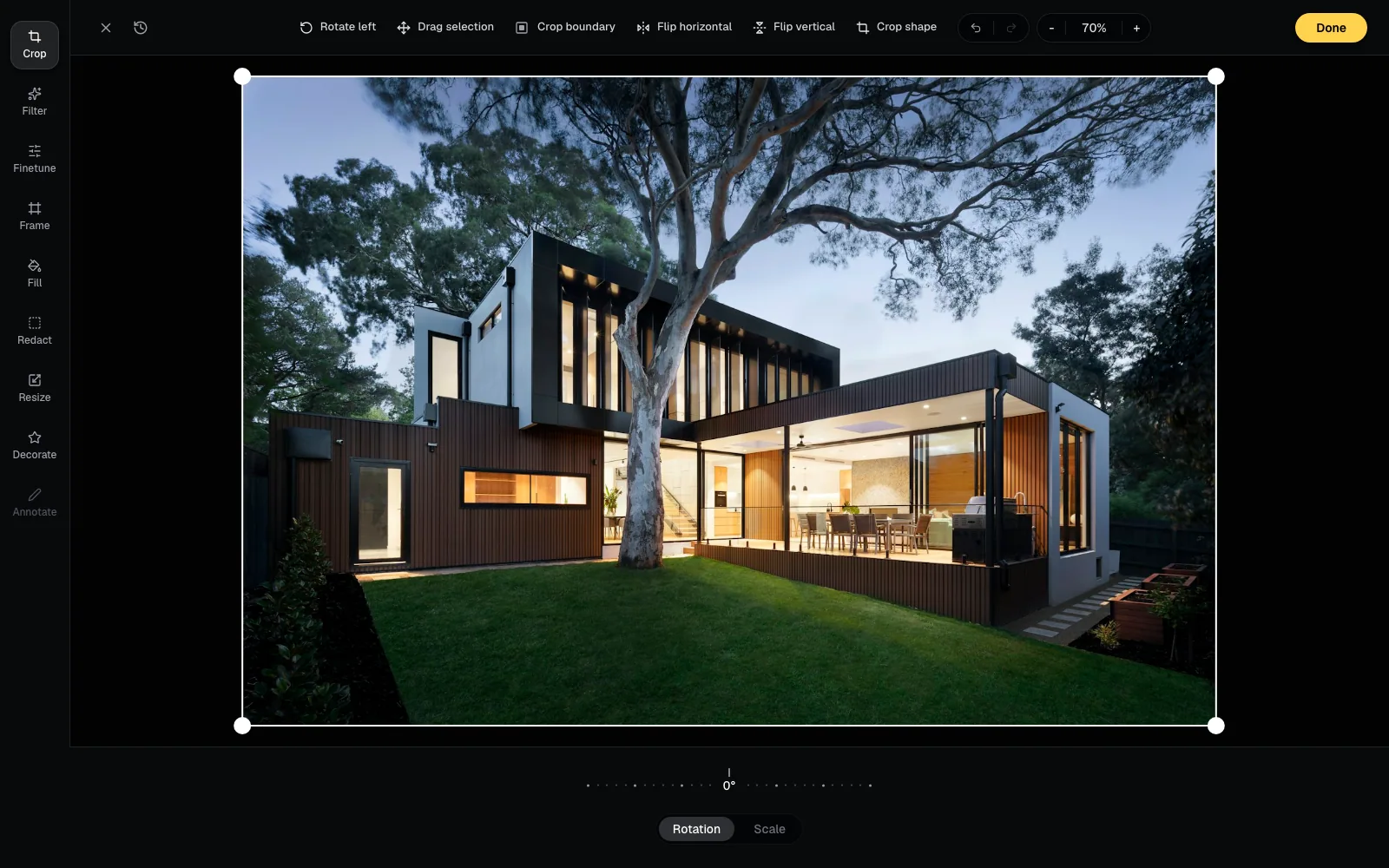
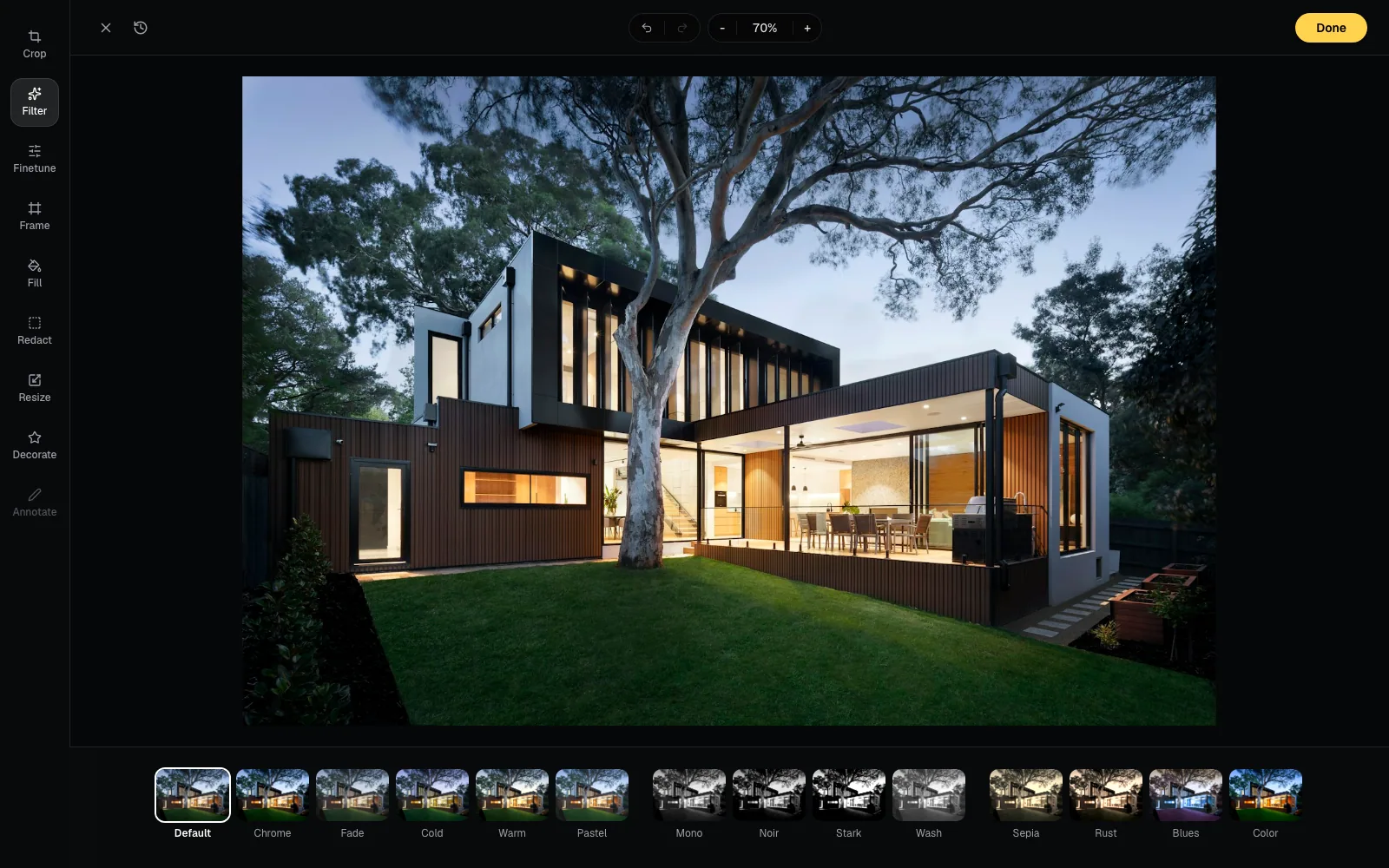
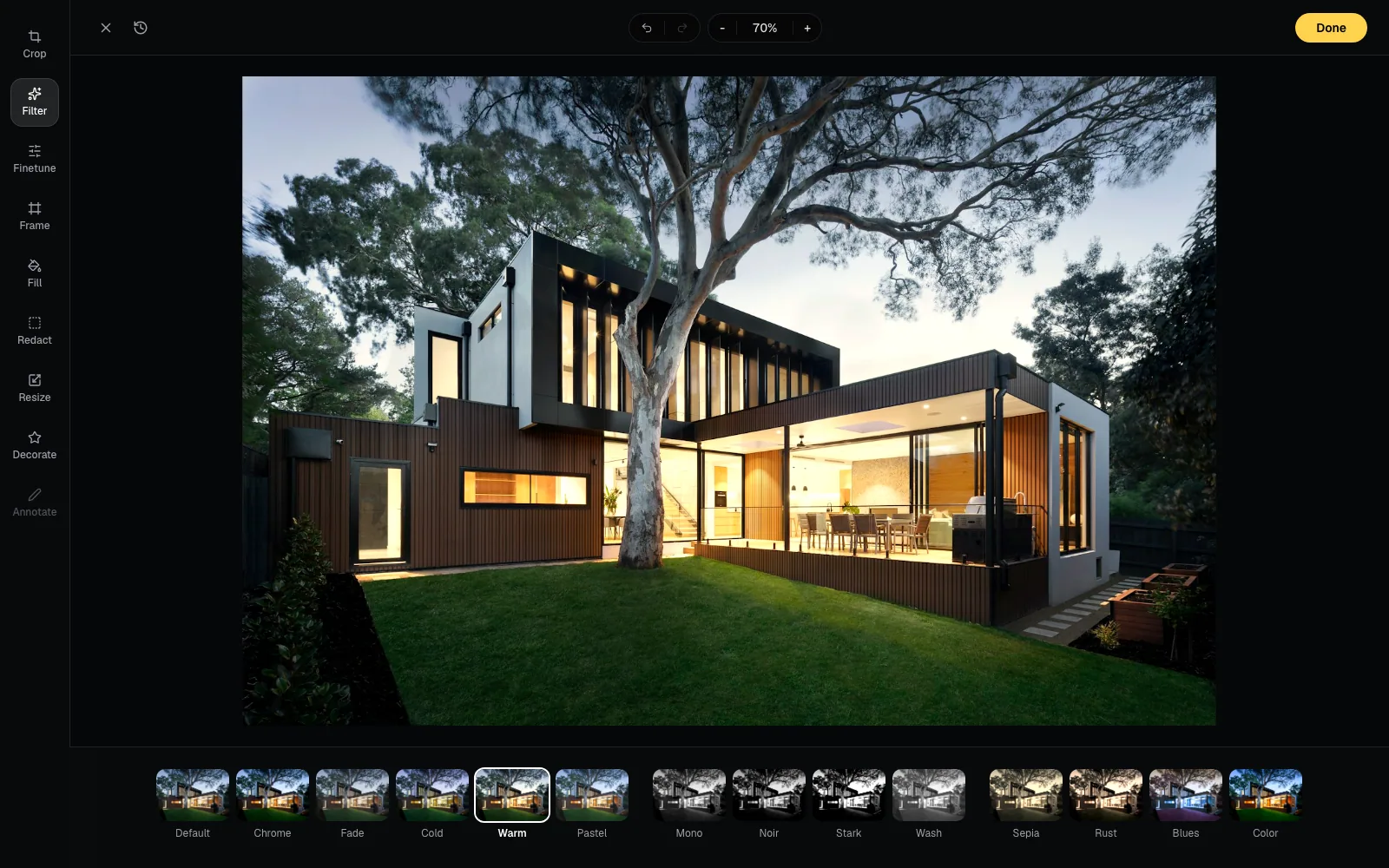
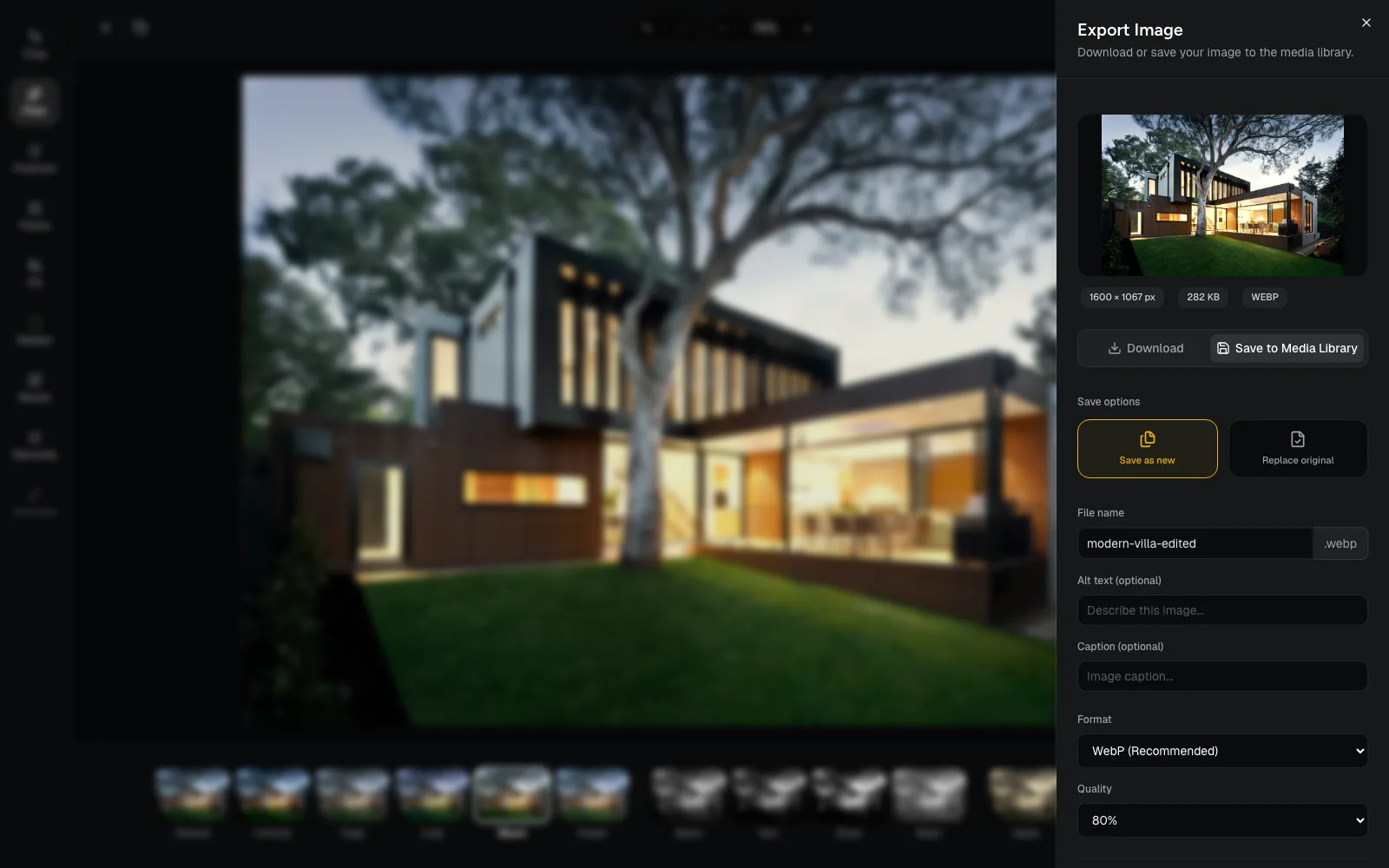
Crop, fill, frame, and decorate images without leaving the workspace.
Generate alt text and captions for your assets, then review them before saving.
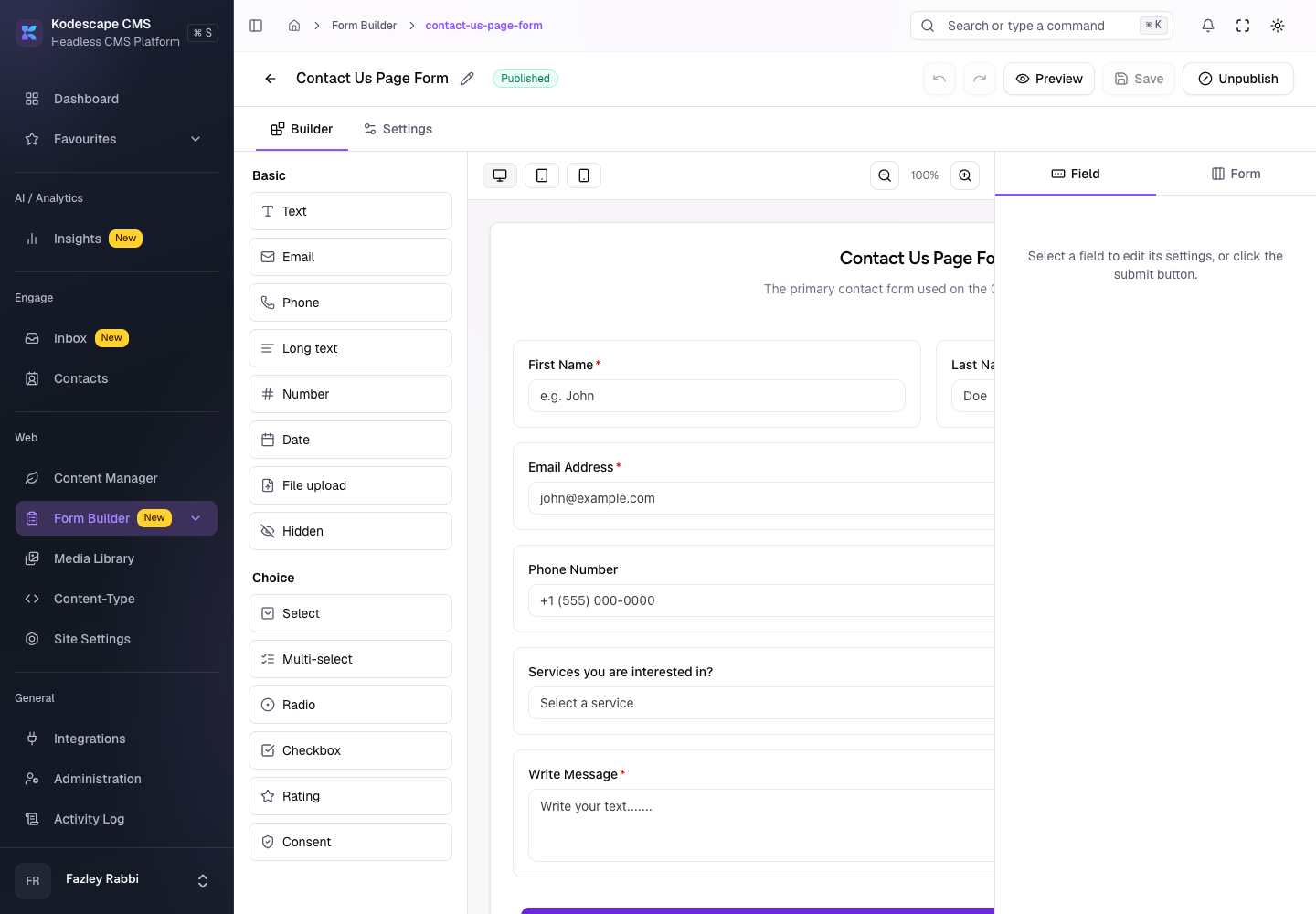
Build forms with flexible fields and validation, then review every submission in one place.
Live chat that feeds a shared inbox with contacts, assignment, and saved replies.
See who is on your site right now and start the conversation while they are there.
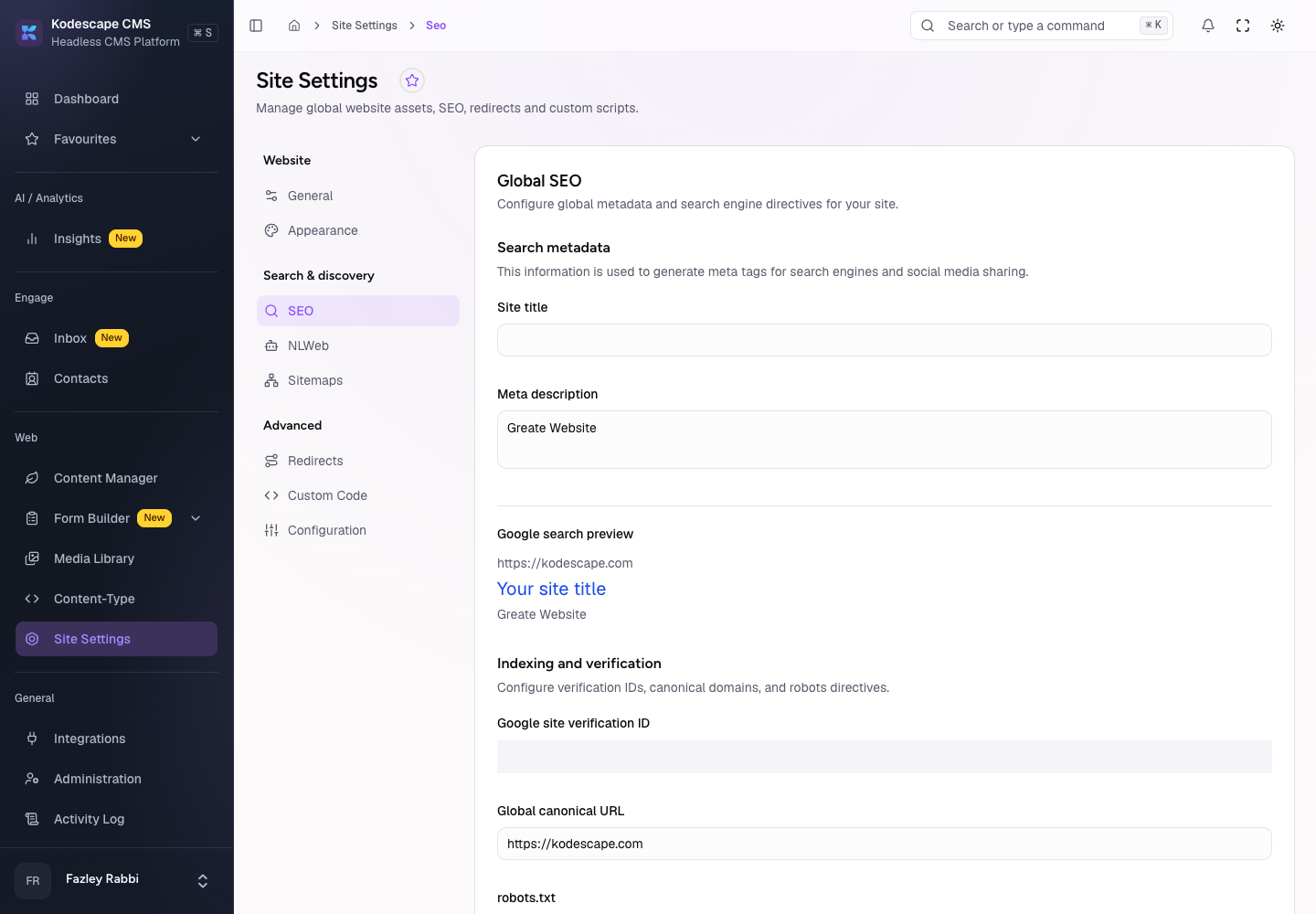
Metadata, canonical settings, sitemaps, and redirects, with AI help to spot SEO gaps.
Connect Google Analytics and read traffic and performance reports next to your content.
Invite people, group them into teams, and give each role only the access it needs.
Add your own domain, follow the DNS steps, and verify it from the admin.
Discuss entries in context, mention teammates, and get notified about replies.
A record of who changed what, with details and export for authorized roles.
From organization-level data boundaries to granular permissions and reviewable changes, Kodescape provides controls that help teams manage access to their workspace.
Content, media, content types, forms, site settings, integrations, and more, each with its own actions.
 OwnerFull access
 EditorWrites and manages media
 ReaderReads content
Illustrative. Roles and actions are yours to define.
Tell us what you're building. We'll show you how Kodescape can support your content, workflows, and frontend experience.

Book a short call to discuss your project and how Kodescape could fit into your workflow.
Book a CallKodescape CMS is a headless content management platform with tools for content modeling, entries, media, forms, AI-assisted workflows, website communication, and site operations in one connected administrative environment.
No. Next.js is one option, not a requirement. Connect other web frameworks or applications using supported APIs and integrations. The exact implementation depends on your framework and the features you use.
The CMS does not automatically generate or replace your frontend. Develop your own application, work with your development team, or engage Kodescape to build a tailored experience.
Yes. Once developers configure the content structures and connect the frontend, authorized team members can manage entries, media, and supported content through the administrative interface.
The Content-Type Builder assistant helps design schemas and reusable components from prompts and supported source material. Proposed changes are staged for review, with undo, discard, and Save keeping you in control.
Kodescape currently uses an invite-only access model. Book a demo to see the CMS with the team and talk through access for your project.